
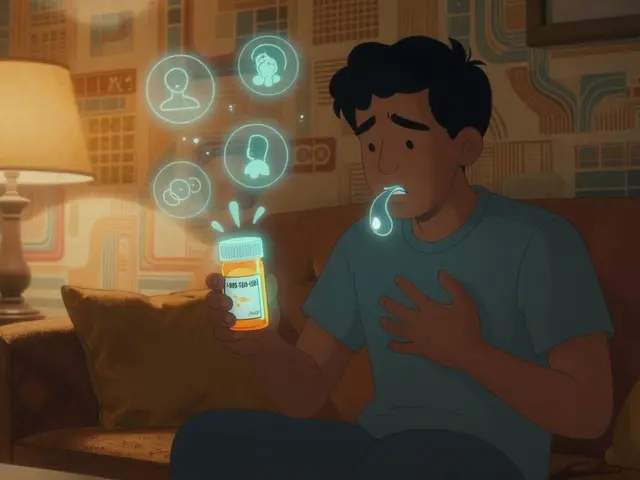
Imagine this: you’re at the emergency room after a fall. You’re in pain, confused, and can’t remember all the pills you take. The doctor asks for your meds. You list three. But you’re also taking six others - two from your local pharmacy, one from the mail-order service, and three supplements you bought online. None of them show up on the hospital’s system. That’s not rare. It happens more often than you think.
Personal health records (PHRs) are your personal, digital medicine cabinet. Unlike hospital records that only show what your doctor or one pharmacy knows, PHRs pull together everything: prescriptions from CVS, Walgreens, your local pharmacy, over-the-counter drugs, vitamins, even herbal supplements. The goal? Stop dangerous gaps in your medication history before they cause harm.
Why Your Medication List Is Always Missing Something
Most people don’t realize how broken medication tracking really is. A 2017 study found that over half of patients admitted to hospitals had at least one mistake in their medication list - drugs listed that they didn’t take, or drugs missing that they did. Why? Because pharmacies don’t talk to each other. Your local pharmacy doesn’t know what your mail-order pharmacy filled last week. Your doctor’s system doesn’t know you bought ibuprofen at the gas station.
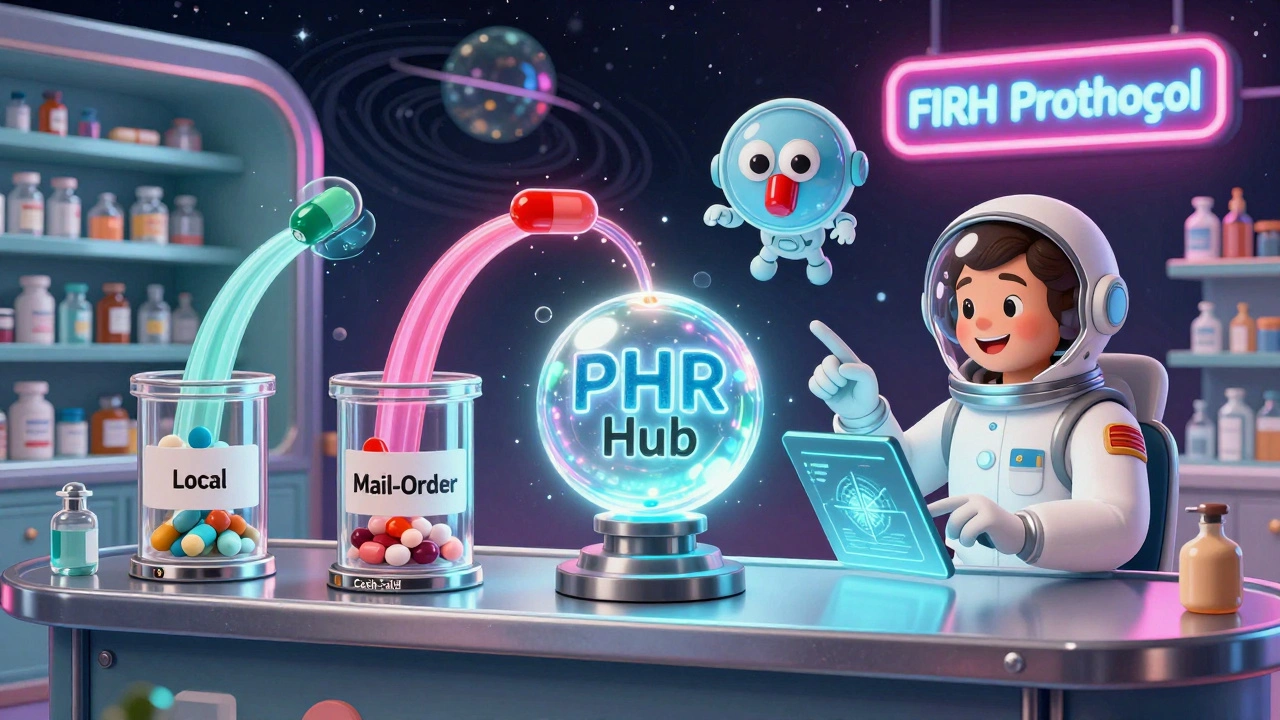
PHRs fix this by acting as a central hub. Systems like Apple Health Records, My Health Record in Australia, and Surescripts pull data from pharmacy claims, direct pharmacy feeds, and what you manually enter. The result? A single list that includes everything - even cash-paid prescriptions that insurance systems ignore. In Australia, where nearly all pharmacies connect to My Health Record, duplicate prescribing dropped by 28%. That’s 28% fewer cases of someone accidentally taking two blood pressure pills because two doctors didn’t know what the other prescribed.
How PHRs Actually Work Behind the Scenes
PHRs don’t magic up your meds. They use standards like FHIR (Fast Healthcare Interoperability Resources) - a digital language that lets different systems understand each other. By 2023, 86% of major U.S. health systems adopted FHIR. That means your pharmacy software, your insurer’s system, and your phone can all share the same data format.
Here’s how it works step by step:
- You fill a prescription at Walgreens. The pharmacy sends the details to Surescripts, a national network that handles over 22 billion transactions yearly.
- Surescripts matches your identity using 12 data points - name, birth date, address, phone number - with 99.2% accuracy.
- That info flows into your Apple Health Records or My Health Record.
- Later, your cardiologist opens your PHR and sees every pill you’ve picked up in the last year - including the painkillers from the independent pharmacy down the street.
But here’s the catch: not everything gets captured. Only 37% of PHRs include over-the-counter meds. If you take melatonin, fish oil, or turmeric daily, you have to enter those yourself. And refill data doesn’t mean you took the pill - it just means you picked it up. That’s why 61% of patient-entered medication lists contain dosage errors, according to Duke University’s 2023 audit.
Apple Health vs. Pharmacy Systems: What’s Better?
Not all PHRs are created equal. Apple Health Records is easy to use - it’s built into your iPhone, connects to your doctor’s portal, and auto-populates prescriptions from your insurer. But it only captures about 68% of your full medication history. That’s because it relies on insurers and big pharmacy chains. If you buy meds in cash from a small pharmacy, it won’t show up.
Compare that to Surescripts, used by hospitals and large pharmacy networks. It captures 92% of prescription fills because it’s tied directly to pharmacy claims. But you can’t access it yourself. Only your doctor or pharmacist can pull it up. So Apple gives you control, but Surescripts gives you completeness.
For most people, the best approach is to use both. Let Apple pull in what it can, then manually add the rest: supplements, OTC drugs, and anything from pharmacies that don’t share data. That way, your list is both accessible and accurate.
What Pharmacists Really Think About PHRs
Pharmacists are on the front lines. They’re the ones catching errors before they hurt you. A 2022 survey of 1,200 pharmacists found that 68% value PHRs - but 79% said they spend extra time fixing mistakes in patient-entered data. One pharmacist on Reddit said: “We save 11 minutes per patient using Surescripts, but we still have to manually type in 30% of OTC meds.”
Here’s the real problem: PHRs aren’t always updated in real time. Only 41% of systems show same-day fills. So if you pick up your new antibiotic on Monday, your doctor might not see it until Wednesday - and if they prescribe something else on Tuesday, you could end up with a dangerous interaction.
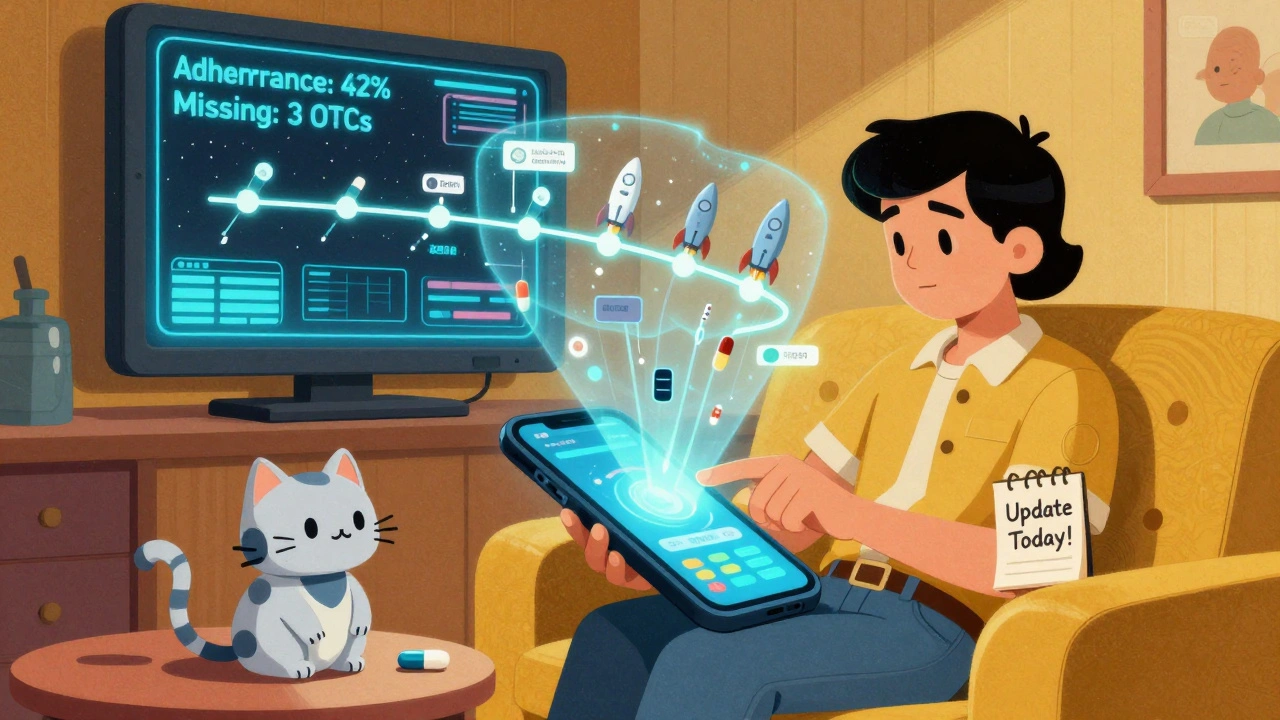
That’s why the best PHR users update their records after every pharmacy visit. Even if it’s just a quick 30-second tap to add “I picked up amoxicillin today.” It’s not hard. But it’s the difference between safety and risk.
How to Build a Complete, Accurate PHR
Here’s how to make your PHR work for you - not against you:
- Start with your phone: If you have an iPhone, open Health, tap “Medications,” and turn on “Add from Medical Records.” Let it pull in what it can.
- Manually add everything else: Supplements, vitamins, OTC painkillers, eye drops, inhalers - all of it. Don’t assume it’s too small to matter. One patient nearly had a stroke because her PHR didn’t include her daily aspirin.
- Update after every pharmacy visit: Even if it’s just one new pill. Add it the same day. Don’t wait.
- Share it with your doctor and pharmacist: Show them your PHR during every visit. Ask: “Is this list complete?”
- Check it monthly: Look for duplicates, wrong dosages, or drugs you stopped taking but forgot to remove.
University of Florida’s research found that patients who followed this 4-step process reduced data entry errors by 52%. That’s not magic. That’s consistency.
The Big Gaps No One Talks About
PHRs still have blind spots. The biggest? Adherence. If you fill your blood thinner prescription but never take it, the system doesn’t know. It just sees “filled.” That’s dangerous for chronic conditions. Only 18% of PHR systems track whether you actually took your meds - not just picked them up.
Another issue: data retention. Some systems only keep 12 months of records. If you haven’t visited a pharmacy in over a year, your history vanishes. That’s why a patient in an ASHP forum reported a critical drug was missing - because they hadn’t filled it in 13 months. The system deleted it. No warning.
And OTC meds? Still a mess. There’s no universal code for “ibuprofen 800mg.” So if you buy it at a gas station, it might not get recorded at all. That’s why you have to enter it yourself.
What’s Next for PHRs?
The rules are changing. Starting July 2024, U.S. insurers and pharmacy benefit managers must share 45 days of your medication history with your PHR - if you give permission. That’s a big step. It could close the 27% gap in completeness.
Some systems are now adding social factors - like whether you can afford your meds, or if you have transportation to pick them up. Walgreens tested this in 2022 and saw 22% better adherence when they factored in those details.
And AI is coming. Google Health’s prototype can predict medication errors with 92% accuracy by analyzing your PHR history. But that’s still 3-5 years away from being mainstream.
For now, the best tool you have is your own attention. PHRs aren’t magic. They’re mirrors. They show you what you put in. If you ignore them, they’ll lie to you. If you update them, they’ll save your life.
Frequently Asked Questions
Can I add over-the-counter meds to my personal health record?
Yes, and you should. Most PHRs like Apple Health Records let you manually add OTC drugs, vitamins, and supplements. These aren’t automatically tracked by pharmacies, so if you take them daily - like aspirin, melatonin, or fish oil - you need to enter them yourself. Missing these can lead to dangerous interactions with prescription meds.
Do all pharmacies share my medication history with PHRs?
No. Large chains like CVS, Walgreens, and Rite Aid usually connect to national networks like Surescripts. But small, independent pharmacies often don’t. If you fill prescriptions at a local pharmacy, your history may not appear in your PHR unless you manually add it. Always ask your pharmacist if they contribute to your health record.
How often should I update my PHR?
Update it every time you pick up a new prescription, stop a medication, or start a new supplement. Even if it’s just one pill. Waiting until your next doctor’s visit means your record is outdated - and that’s when errors happen. A monthly check-up for your PHR is a good habit, but daily updates after pharmacy visits are ideal.
Is my PHR data secure?
Yes, if you use a certified system. Apple Health Records, My Health Record, and other major platforms use AES-256 encryption and comply with HIPAA and NIST cybersecurity standards. Only you control who sees your data. You can block specific providers or hide certain meds. But never share your login details - your PHR is private health information, not a shared family tool.
Can my doctor see my PHR without me sharing it?
No. Your PHR is controlled by you. Your doctor can only see it if you give them access - either by sharing your phone screen, sending a printout, or granting permission through your health portal. Some hospitals may request access during appointments, but you always have the final say.
What if my PHR shows a drug I don’t take?
Delete it immediately. Incorrect entries are common - sometimes from old prescriptions, duplicate entries, or system errors. If you stopped taking a drug months ago, remove it. If it’s listed because you filled it once but never took it, mark it as “not taken” or delete it. Always verify your list with your pharmacist or doctor before any procedure or new prescription.
Will my PHR work if I move to a different country?
It depends. Apple Health Records works globally but only pulls data from pharmacies and insurers in countries with compatible systems. In New Zealand, Australia, or the U.S., you’ll get good coverage. In other countries, you’ll likely need to rely on manual entry. Always carry a printed copy of your PHR when traveling - it’s your backup.
Next Steps: What to Do Today
Don’t wait for your next doctor’s appointment. Right now, open your phone’s Health app (or your country’s PHR system). Check your medication list. Is it complete? Are there any drugs you stopped taking? Any supplements missing? Add them. Delete anything wrong. Then, show it to your pharmacist tomorrow. Ask: “Does this match what you have on file?”
If you’re not using a PHR yet - start today. It takes five minutes. But in an emergency, it could save your life.


Taya Rtichsheva
December 10, 2025 AT 14:58lol so basically if u dont manually type in every lil vitamin u buy at gas station ur gonna die in the er? cool cool i'll just keep forgetting my melatonin like a normal person
Christian Landry
December 11, 2025 AT 18:12this is actually super useful 😊 i just added all my supplements to apple health today - fish oil, magnesium, and that weird turmeric thing i forgot i even take. also just realized my doc has no idea i'm on 3 different painkillers... yikes. thanks for the nudge!
Mona Schmidt
December 12, 2025 AT 07:01I appreciate the practical breakdown, but I'm concerned about the assumption that everyone has access to an iPhone or a reliable internet connection. Many elderly patients, low-income individuals, and rural residents rely on paper lists or pharmacy printouts. A truly inclusive PHR system must account for analog users too-not just tech-savvy urbanites. Manual entry is great, but not everyone can do it consistently.
Sarah Gray
December 14, 2025 AT 01:27This is such a basic, elementary-level overview. Anyone with even a passing interest in healthcare informatics knows that FHIR adoption is still patchy, interoperability is a myth outside of Epic and Cerner ecosystems, and the notion that 'Apple Health fixes everything' is dangerously naive. The real issue is profit-driven siloing by PBMs and pharmacy chains-not user negligence.
Suzanne Johnston
December 14, 2025 AT 03:05It's fascinating how we treat medication adherence as a personal failing when the system is designed to make it fail. We blame patients for forgetting to log their supplements, yet we don't provide automated reminders, standardized OTC codes, or integration with social determinants of health. The burden of accuracy falls entirely on the vulnerable. That's not a feature-it's a design flaw rooted in systemic indifference.
Guylaine Lapointe
December 14, 2025 AT 13:15I can't believe people still think this is a good idea. You're telling me I should trust a tech giant with my entire medical history? And then wonder why data breaches happen? Apple doesn't care about your health-they care about your data. This isn't empowerment, it's surveillance dressed up as convenience. And don't even get me started on how many times these systems misidentify patients. I know someone who got prescribed a drug she was allergic to because of a PHR mix-up.
Darcie Streeter-Oxland
December 14, 2025 AT 19:40The notion that a patient should be responsible for maintaining a comprehensive, accurate, and up-to-date pharmacological dossier-while simultaneously navigating chronic illness, cognitive fatigue, and systemic healthcare fragmentation-is not merely impractical; it is ethically indefensible. The onus must shift to institutional actors, not the ill.
Andrea Petrov
December 15, 2025 AT 06:03I read somewhere that Surescripts sells anonymized medication data to pharmaceutical companies. If you're using Apple Health or any of these 'free' tools, you're not just sharing your meds-you're fueling targeted ads for drugs you don't even need. They know you take melatonin. They know you refill gabapentin every month. And they're selling that to Big Pharma. You think this is about safety? It's about profit. Always.